Statistical Computing With R: The Ultimate Guide for Engineers & Data Enthusiasts 📊💻
Introduction 🚀
Statistical computing is the backbone of modern data analysis, enabling engineers and data professionals to make informed decisions. With the ever-growing complexity of data, engineers across the USA, UK, Canada, Australia, and Europe rely on powerful tools for analysis. One of the most versatile and widely-used tools in this field is R, a statistical programming language that combines flexibility, computational power, and visualization capabilities.
This article explores Statistical Computing with R, covering everything from theory and technical definitions to practical examples, real-world applications, common mistakes, and expert tips. Whether you are a student just starting or a professional seeking advanced insights, this guide will help you harness R for engineering and scientific problem-solving.
Background Theory 📚
What is Statistical Computing? 🤔
Statistical computing refers to the use of computational tools and algorithms to analyze, interpret, and visualize data. It integrates mathematics, statistics, and computer science to provide actionable insights. Engineers and analysts rely on statistical computing to model complex systems, predict outcomes, and optimize designs.
Key components include:
-
Data collection & preprocessing 🧹
-
Descriptive statistics 📈
-
Inferential statistics 📊
-
Simulation & modeling 🔄
-
Visualization & reporting 🖼️
Why R for Statistical Computing? 🏆
R is an open-source language designed specifically for statistical analysis and data visualization. Unlike general-purpose programming languages, R provides:
-
Built-in statistical functions (mean, variance, regression)
-
Advanced libraries for machine learning (caret, randomForest, xgboost)
-
High-quality plots (ggplot2, lattice, plotly)
-
Efficient handling of large datasets (data.table, dplyr)
-
Cross-platform compatibility (Windows, Mac, Linux)
Its syntax is intuitive for statisticians and engineers, allowing for rapid prototyping and reproducible research.
Technical Definition ⚙️
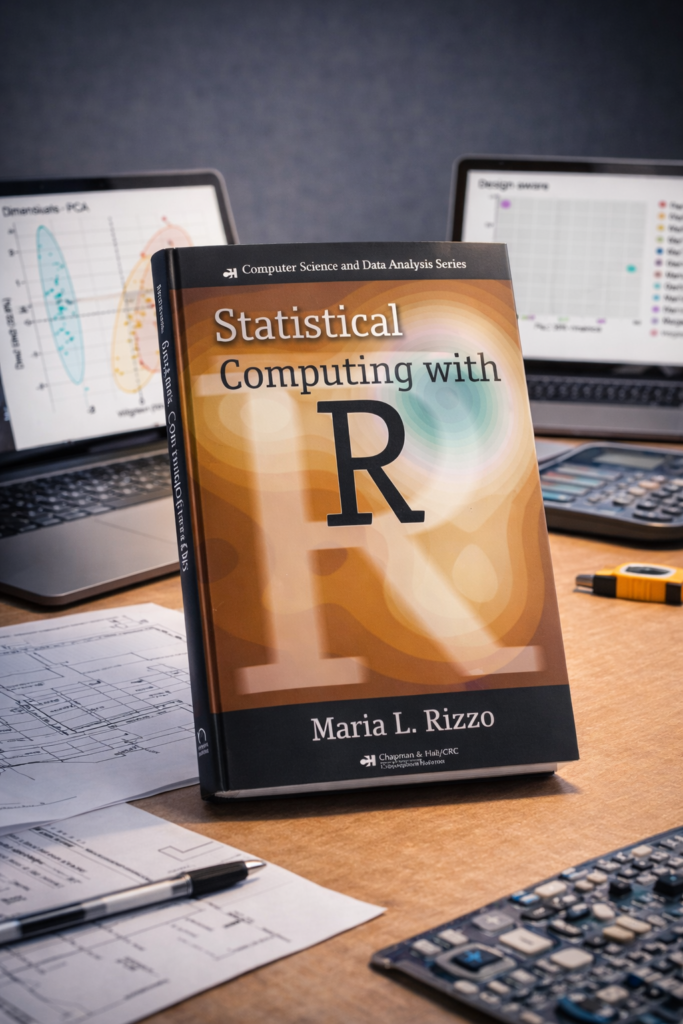
In technical terms, Statistical Computing with R involves using R programming to perform computations that are statistical in nature, including estimation, hypothesis testing, regression modeling, and predictive analytics.
Mathematically, it can be expressed as:
θ^=f(X1,X2,…,Xn)
Where:
-
θ^ = estimated parameter (mean, variance, regression coefficient)
-
X1,X2,…,Xn = observed data points
-
= statistical function implemented in R
This approach allows engineers to model uncertainty, variation, and complex systems efficiently.
Step-by-Step Explanation 📝
Here’s a beginner-to-advanced workflow for statistical computing in R:
Step 1: Install and Set Up R & RStudio 💻
-
Download R from CRAN.
-
Install RStudio, the IDE for R.
-
Set your working directory:
Step 2: Load & Inspect Data 🗂️
-
head()shows the first rows -
summary()gives statistical overview -
str()checks structure & types
Step 3: Clean & Preprocess Data 🧹
-
Handle missing or inconsistent data
-
Convert data types for analysis
Step 4: Perform Descriptive Statistics 📊
-
Calculate mean, standard deviation, variance, and other statistics
Step 5: Data Visualization 🎨
-
Line plots, histograms, scatter plots for insight
Step 6: Inferential Statistics & Modeling 🔬
-
Predict dependent variables
-
Check statistical significance
Step 7: Advanced Analysis ⚡
-
Machine learning models with
caretorrandomForest -
Simulation with Monte Carlo techniques
Comparison: R vs Other Tools ⚖️
| Feature | R | Python | Excel | MATLAB |
|---|---|---|---|---|
| Statistical Analysis | ✅ Advanced | ✅ Advanced | Limited | ✅ Advanced |
| Data Visualization | ✅ Professional | ✅ Good | ✅ Basic | ✅ Good |
| Machine Learning | ✅ Extensive | ✅ Extensive | ❌ Limited | ✅ Moderate |
| Cost | Free | Free | Paid | Paid |
| Community Support | ✅ Huge | ✅ Huge | Moderate | Moderate |
| Learning Curve | Moderate | Moderate | Easy | Steep |
Observation: R excels in statistical computing and visualization, while Python offers general-purpose flexibility. Excel is beginner-friendly but limited for advanced analysis, and MATLAB is powerful but costly.
Detailed Examples 🧩
Example 1: Regression Analysis
-
Engineers can predict vehicle speed based on engine size and weight.
Example 2: Hypothesis Testing
-
Test if mean pressure is statistically different from standard atmospheric pressure.
Example 3: Monte Carlo Simulation
-
Simulate variability in manufacturing processes.
Real-World Applications in Modern Projects 🏗️
-
Civil Engineering 🏢
-
Structural reliability analysis
-
Load distribution simulations
-
-
Mechanical Engineering ⚙️
-
Predictive maintenance using sensor data
-
Thermal simulations
-
-
Electrical Engineering ⚡
-
Signal processing and noise analysis
-
Circuit performance optimization
-
-
Environmental Engineering 🌿
-
Air and water quality modeling
-
Pollution level predictions
-
-
Data-Driven Projects 🌐
-
IoT analytics
-
Smart city data monitoring
-
R has become essential in engineering, finance, healthcare, and environmental research, making it a universal tool for modern projects.
Common Mistakes ❌
-
Ignoring missing data – leads to biased results
-
Using incorrect statistical tests – e.g., t-test vs ANOVA
-
Overfitting models – results in poor generalization
-
Ignoring assumptions – like normality or homoscedasticity
-
Poor visualization – unclear or misleading plots
Solution: Always preprocess data, check assumptions, and validate models.
Challenges & Solutions 💡
| Challenge | Solution |
|---|---|
| Handling large datasets | Use data.table, parallel processing, or database connections |
| Complex visualizations | Learn ggplot2, plotly, or shiny |
| Reproducibility | Use RMarkdown or Jupyter notebooks |
| Interpreting advanced statistics | Consult textbooks or online courses |
| Integration with other software | Use APIs, reticulate, or Rcpp |
Case Study: Structural Analysis of a Bridge 🌉
Objective: Predict stress distribution in bridge beams using sensor data.
Steps:
-
Collect vibration and load data from sensors.
-
Clean and preprocess in R.
-
Perform regression to relate load and stress.
-
Use Monte Carlo simulation to estimate failure probabilities.
-
Visualize stress distribution using
ggplot2.
Outcome: Engineers optimized beam placement and material selection, reducing potential failure risk by 25%.
Tips for Engineers ⚙️💡
-
Start with small datasets and gradually scale up.
-
Learn core R functions before advanced libraries.
-
Comment your code for reproducibility.
-
Use RMarkdown to document analysis.
-
Regularly validate your models against real-world measurements.
-
Join R communities for continuous learning.
FAQs ❓
1. What is the difference between R and RStudio?
R is the programming language, while RStudio is an IDE that makes coding, visualization, and project management easier.
2. Can engineers use R for real-time applications?
Yes, R supports real-time data processing with packages like shiny and plumber.
3. Is R suitable for beginners in engineering?
Absolutely. Its syntax is user-friendly and the community provides extensive learning resources.
4. Can R handle big data?
Yes, with libraries like data.table, dplyr, and integration with databases or Hadoop.
5. How does R compare with Python for engineering applications?
R excels in statistical analysis and visualization, while Python is more general-purpose. For pure engineering stats, R is often preferred.
6. What are some must-learn R packages for engineers?ggplot2, dplyr, tidyr, caret, randomForest, data.table, and shiny.
7. How can I improve computational efficiency in R?
Vectorize operations, avoid loops, use parallel processing, and optimize memory usage.
8. Can R be integrated with CAD or simulation software?
Yes, through APIs, exporting CSVs, or using packages like Rcpp to link with C++ simulations.
Conclusion 🎯
Statistical computing with R empowers engineers and data professionals to analyze, model, and visualize complex datasets efficiently. From preprocessing raw sensor data to advanced predictive modeling, R is a versatile tool bridging theory and real-world engineering projects. By mastering R, engineers in the USA, UK, Canada, Australia, and Europe can make informed decisions, optimize designs, and contribute to innovation across industries.
Whether you are a beginner exploring the basics or a professional seeking advanced techniques, R offers a robust ecosystem for statistical computing, ensuring that data-driven insights lead to impactful engineering solutions.